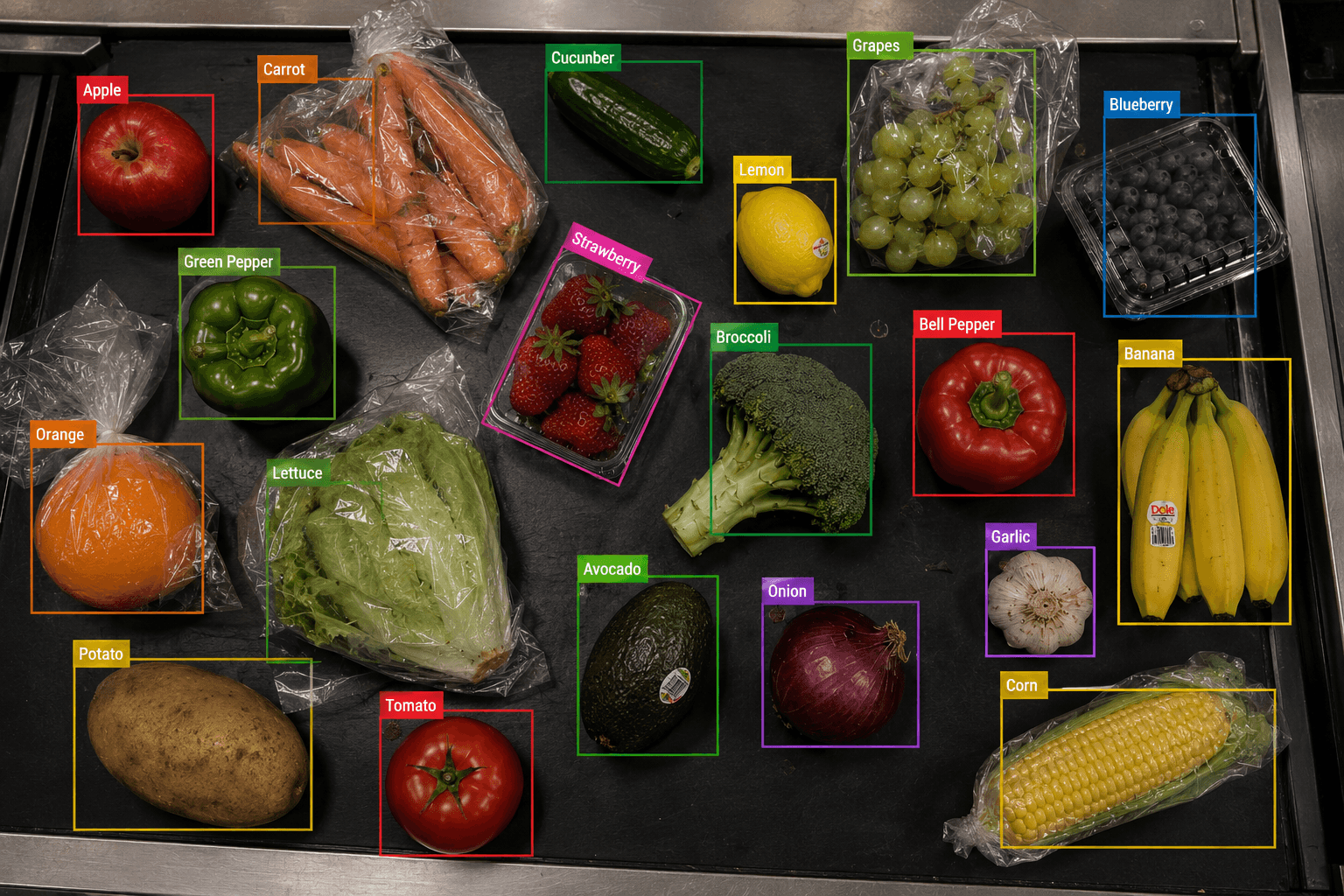
Instant produce recognition for every checkout.
At the cashier lane or self-checkout, produce goes on the scale and Shalyx identifies it in about 300 ms — entering the PLU automatically. No codes to memorize, no POS replacement.
300 ms
average recognition
No POS changes
works with any POS
Offline
runs on the device
How it works
Three steps. Zero friction.
A Shalyx camera sits above your scale or scanning area. Staffed lane or self-checkout, nothing in your POS changes.
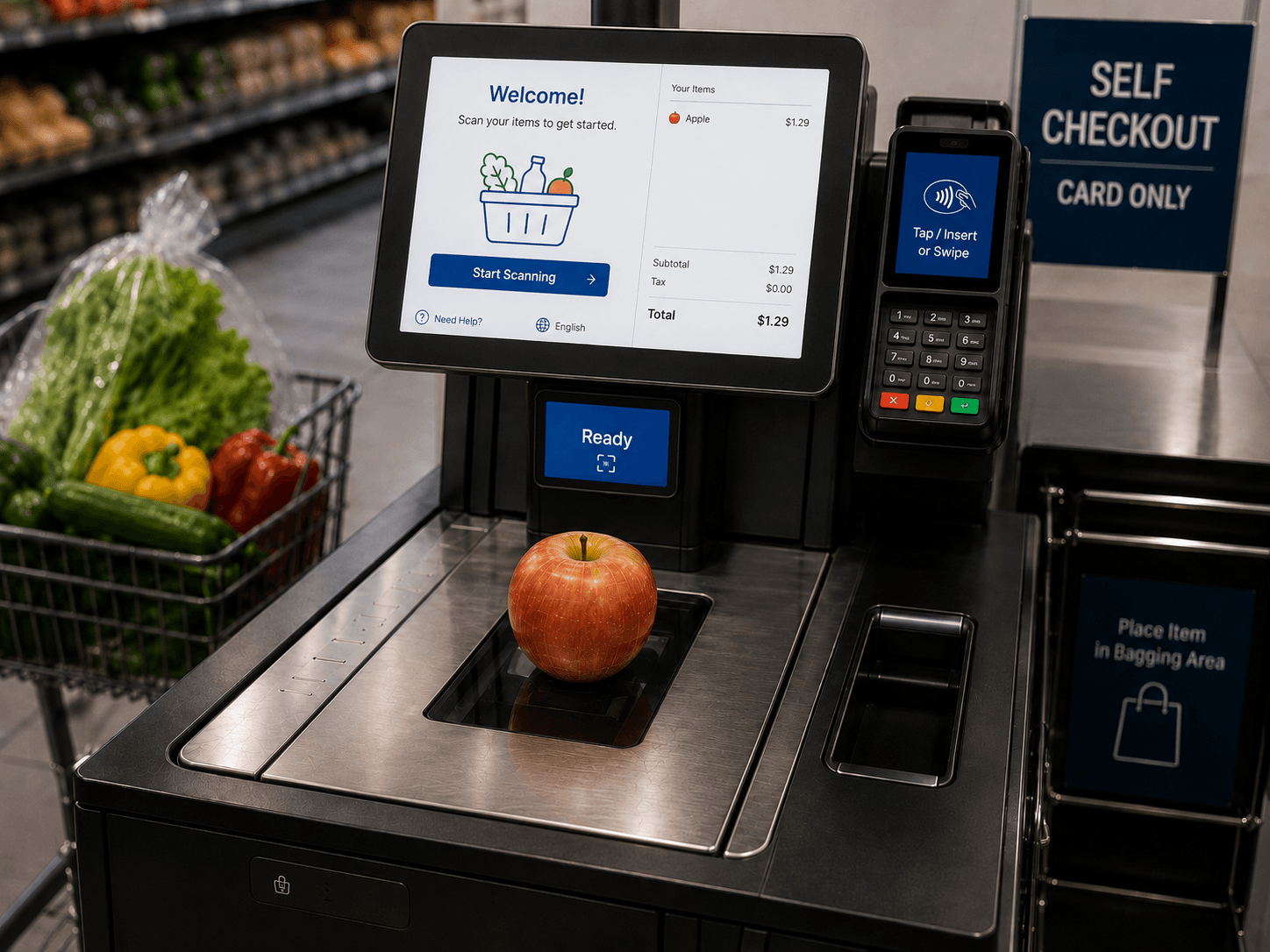
Place on scale
Your cashier or the shopper sets a fruit or vegetable on the scale and starts a scan: a tap on the Shalyx screen, or a hotkey on the register. No codes to look up.
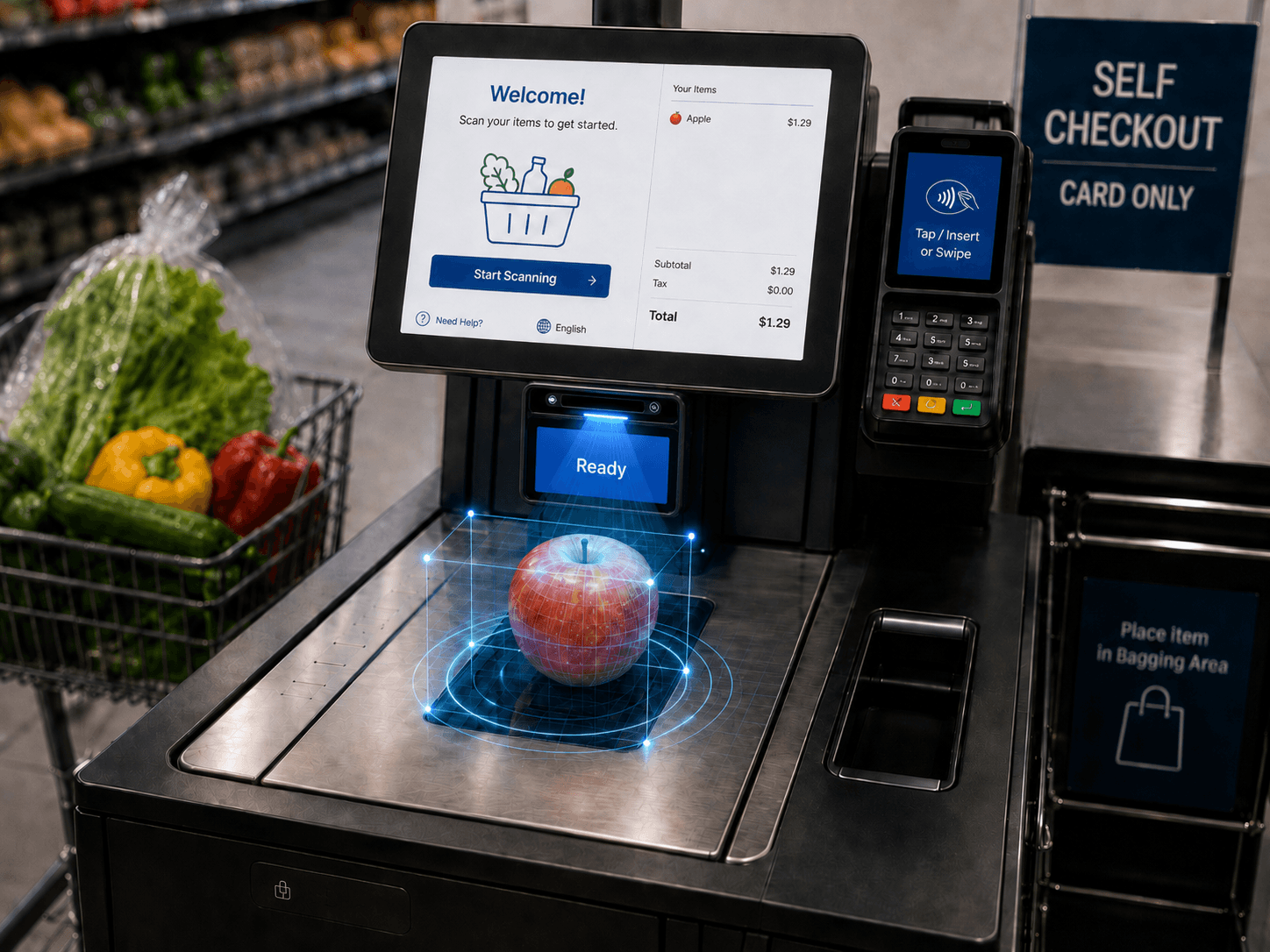
Identified in 300 ms
Our on-device model recognizes the item in about 300 milliseconds — even when produce looks similar or is partially hidden.
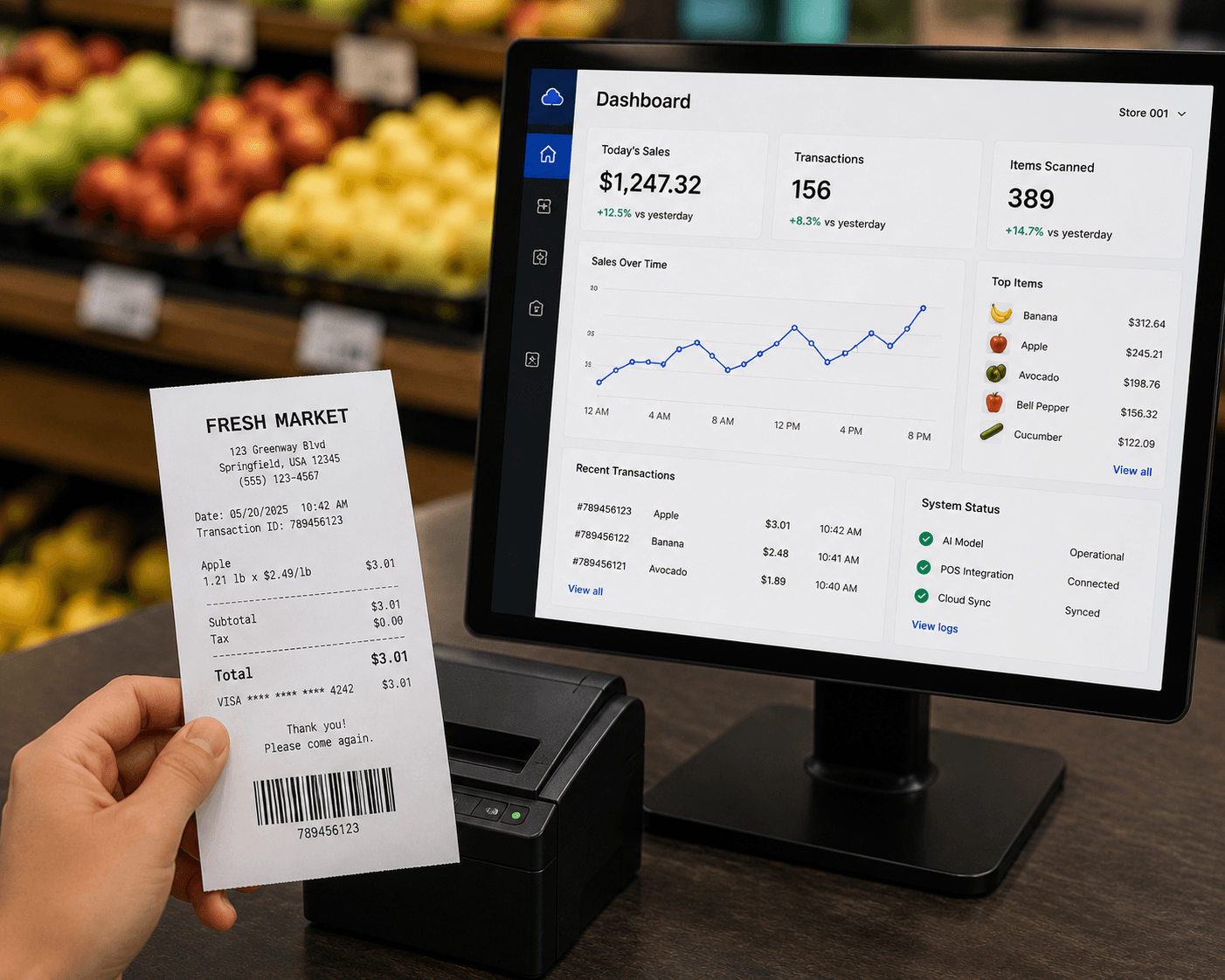
PLU entered, data syncs
Shalyx enters the PLU into your existing POS, which prices the item as usual, and the scan syncs to your cloud dashboard.
Two ways to connect
Your POS stays exactly as it is.
Neither option installs anything into your POS system, changes its settings, or connects to its data. Shalyx enters the PLU the same way your cashier would, so there is nothing for your POS vendor to approve.
Option 1
Shalyx device at the lane
Comes with its own screen at the lane. Nothing new on the register computer.
- 1A Shalyx camera sits above the scale or scanning area, with a small Shalyx touchscreen beside it.
- 2It plugs into the register's USB port, just like a barcode scanner.
- 3The cashier or shopper taps to scan. Shalyx shows what it recognized and types the PLU into the POS, exactly like a scan.
Nothing installed on the register. Nothing changed in your POS.
Option 2
Shalyx app on the register computer
No extra screen. Everything shows on your register's own screen.
- 1A Shalyx camera sits above the scale or scanning area, and a small Shalyx app runs in the background on the register computer.
- 2The cashier presses a key you choose, and the top matches pop up on the main screen, numbered 1, 2, 3.
- 3The cashier presses the number on the keyboard, and Shalyx types that PLU into the POS for them.
Your POS software is never modified. Shalyx only types the PLU, like your cashier would.
Built for grocery operators
One system for faster produce checkout
No PLU lookup
PLU automation means staff never memorize codes or scroll through menus — Shalyx identifies each item and enters the right PLU automatically.
Plug-and-play POS
Works alongside any existing checkout system, staffed or self-serve. No IT project, no rewiring — plug in the kiosk and you are live.
Cloud dashboard
Monitor every device, review scans, manage PLU overrides, and track daily volume from any browser.
Remote management
Push model updates and send commands to devices without visiting the floor.
Our mission
Making fresh food faster to buy
Produce checkout has not changed in decades. Cashiers still hunt for codes while customers wait. We believe every grocery interaction should be frictionless — and that a produce identification system built on computer vision is the tool to finally make that possible.
We build the hardware, train the recognition models, and maintain the cloud so store operators can focus on what matters: selling great produce.
Pricing
Simple, predictable pricing
A one-time setup fee per store and one flat monthly subscription per device. Every system is tuned to your store's own produce for the best results. No per-scan charges, no surprises.
- Plug-and-play with any existing POS
- Unlimited scans at about 300 ms each
- Cloud dashboard & analytics
- Over-the-air model updates
- Offline fallback — works without internet
- Enterprise-grade recognition at a fraction of the cost — no five-figure hardware investment required
Ready to upgrade your produce section?
Drop us a line and we will set up a live demo at your store.
Get in touch